Everything you need to know about supplying print files, explained by our own printing house. A perfectly printed book starts with a correctly supplied file. Wrong colours, missing bleed or an incorrect spine width cost time and money. In this category you’ll learn how to supply your files as a print-ready PDF/X, how to set bleed and safe margins, and how colour management in CMYK works.
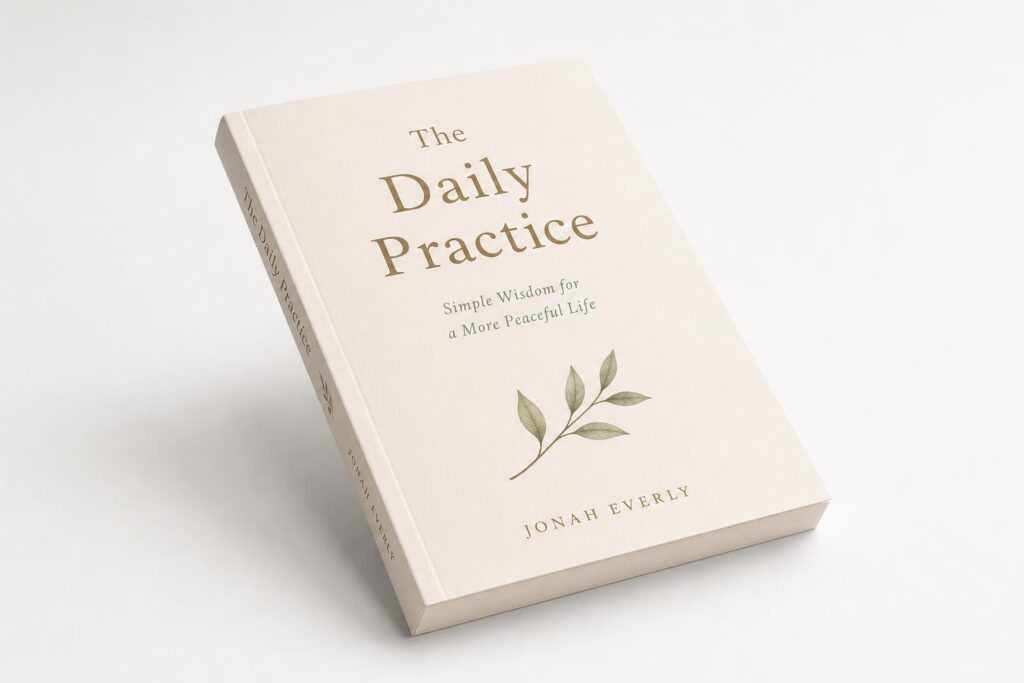
The three key requirements
- Cover as a single spread. Back cover, spine and front cover side by side in one PDF. The inside pages are supplied as single pages in reading order.
- 3 mm bleed all around. Anything that runs to the edge should extend 3 mm beyond the trim size.
- All fonts embedded. Embed the fonts in the PDF, or convert them to outlines.
You will find the full specifications on the page Supplying artwork.
Topics in this category
Supplying files: how to check yours first
Supplying files comes down to three things you can check yourself. First, see whether your document has 3 mm bleed all round and whether backgrounds really do run into that edge. Then check that every image is at least 300 dpi at the size it is placed; a 300 dpi photo scaled to twice the size is effectively 150 dpi. Finally, check that your fonts are embedded, so your text looks here exactly as it does on your screen.
Supply as PDF/X where you can. That is a restricted PDF variant made specifically for print: transparency is flattened, colours are fixed and fonts are required to be included. The standard is maintained by the PDF Association. How to export such a file is covered under supplying artwork, and you can work out the right spine width with the spine width calculator.